
Resource
Weekly ritual template
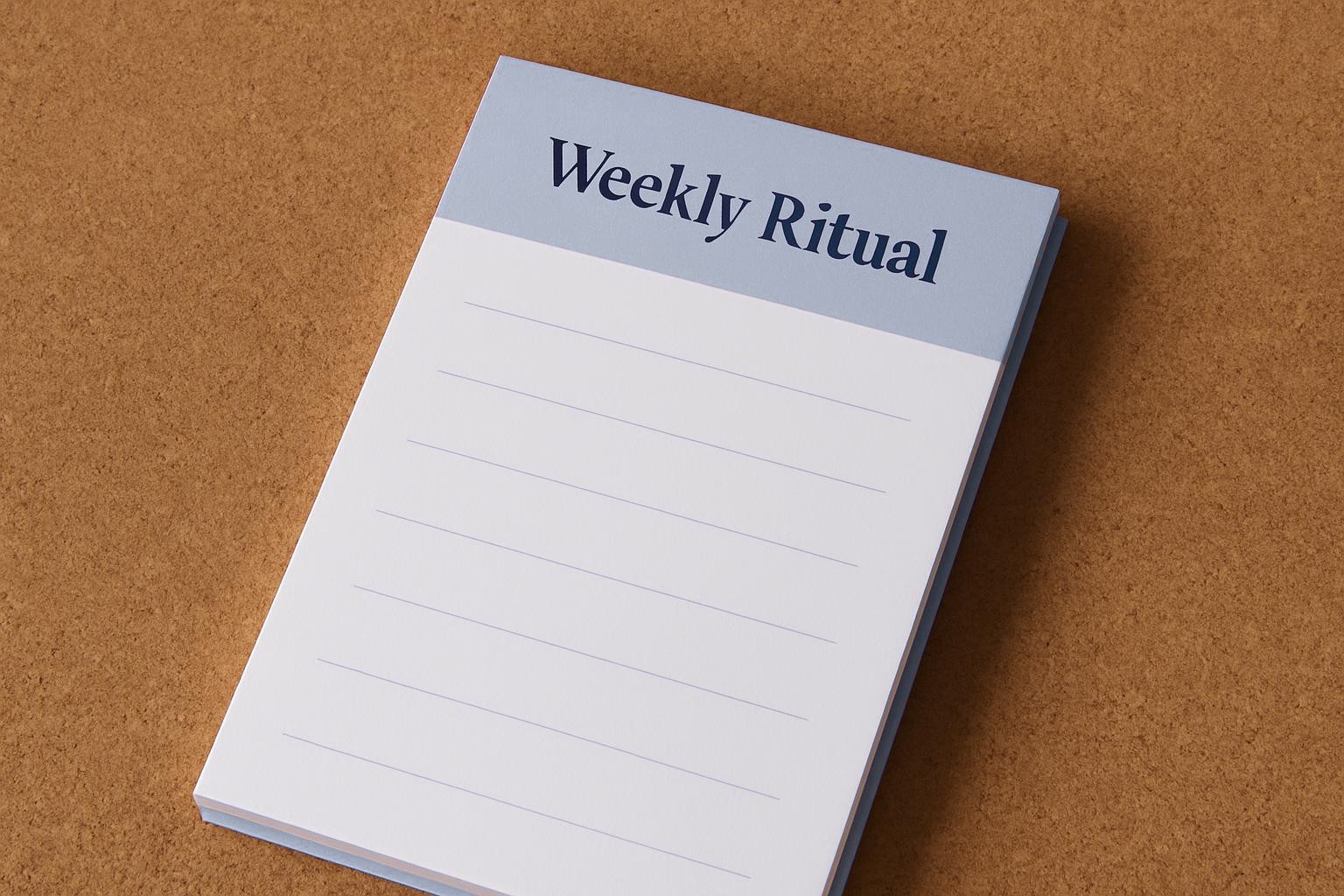
A4 rhythm card to keep your Hartbeespoort or Polokwane team clear on weekly actions, roles and touch points.
This guide supports real briefs across Cape Town, Gauteng, and beyond. For a tailored pack, email magic@bizmagic.co.za.
- Written for South African founder teams
- Pairs with supplier notes
- Link your kit from the kits hub
What’s on the template
This rhythm card spells out your team’s weekly routines in plain view. It’s built for companies like Sipho’s Citrus Crew in Hartbeespoort or Zanele’s Bookkeeping Solutions by Polokwane Mall. The template covers everything you need for a tidy, repeatable week. Each card has space for each day of the week, task titles, owners (with initials), check-in time, notes, and a quick tick column for done/not done. There’s a comments row at the bottom for Friday wrap-up. If you run a once-a-week session, just fill in the days you need.
- Day of week (Monday to Sunday)
- Task or action title
- Responsible person (initials)
- Check-in or completion time
- Tick box for done/not done
- Notes or urgent comments
- Weekly comments row
How to fill it in
Use a fresh template each week before Monday’s first coffee, or whenever you reset your team rhythm. If you’re working with young teams or seasonal hires like on the citrus pack line near Skeerpoort, run through the first template together. Don’t stress about getting every detail perfect right away. It’s better to start using it and fix as you go, honestly.
- Write your company name and the week’s date range at the top.
- Fill in each day with key tasks. Use simple wording, like 'Check generator fuel' or 'Send VAT201 to accountant'.
- Write the initials of who owns each task. Eg: T.M. for Tumi Mashego.
- Set a check-in or deadline time for each task, especially if someone’s offsite on a supplier run.
- Tick the box when a task is actually finished, not just when it’s started.
- Use the notes for reminders (e.g. 'SARS eFiling not working, try after 2pm').
- Jot weekly wins, problems or news in the comments row every Friday.
Sample filled entry
Say it’s Wednesday at Lindiwe’s Print Hut by the R101 in Polokwane. The first row says: 'Send EMP201 report', initials 'SL', check-in time '9:00', box ticked once it's submitted via SARS eFiling, and in notes: 'Must confirm banking details'. On Friday, in comments, you write: 'EMP201 late, load-shedding hit again, will submit on generator next month.' This shows who did the work, when it got done, and what slowed things down.
Mistakes to avoid
Common issues pop up, especially in busy weeks before the 25th payday or during Highveld storms when signal is up and down. Don’t leave owner initials blank, if you do, a job always gets missed. Never tick tasks that are half done, like if the supplier pack is waiting for a signature. Double-check your week dates up top, or you will, your team will start talking about the wrong shift. If you’re running a meeting, don’t let someone else fill in your tasks for you, people tune out.
When to bring it to supplier hub
Bring your filled template to a supplier hub session in Sandton, Midrand, or Stellenbosch whenever you’re troubleshooting week-to-week handovers or prepping for a new project. It’s useful if you’re collecting a starter kit or booking a slot for cash flow chat. The card lets everyone see what’s actually happening, not just what’s supposed to. You can also check out other rhythm ideas in team cadences, download blank templates in resources, or ask for a hand on email support if you get stuck.